Open Outlook archives.No Outlook required.
PST Viewer opens PST, MSG, EML and MBOX files in seconds, finds any message with full-text search and previews attachments right in the app – strictly read-only and entirely on your device.
For Mac, Windows, Linux and Android · iPhone & iPad coming soon · Other platforms & versions
- Read-only – your files stay untouched
- 100% local – no upload
- Open source under the MIT license
- No subscription, no account, no ads
Opens the common mail archives
PST: Outlook data files
Archives and exports from Outlook
MSG: Outlook items
Individually saved messages
EML: Email files
The standard format for single emails
MBOX: Mailboxes
Gmail/Google Takeout, Apple Mail, Thunderbird
Features
Everything a mail archive needs.
Opens fast, searches deep, displays safely – and your files never change.
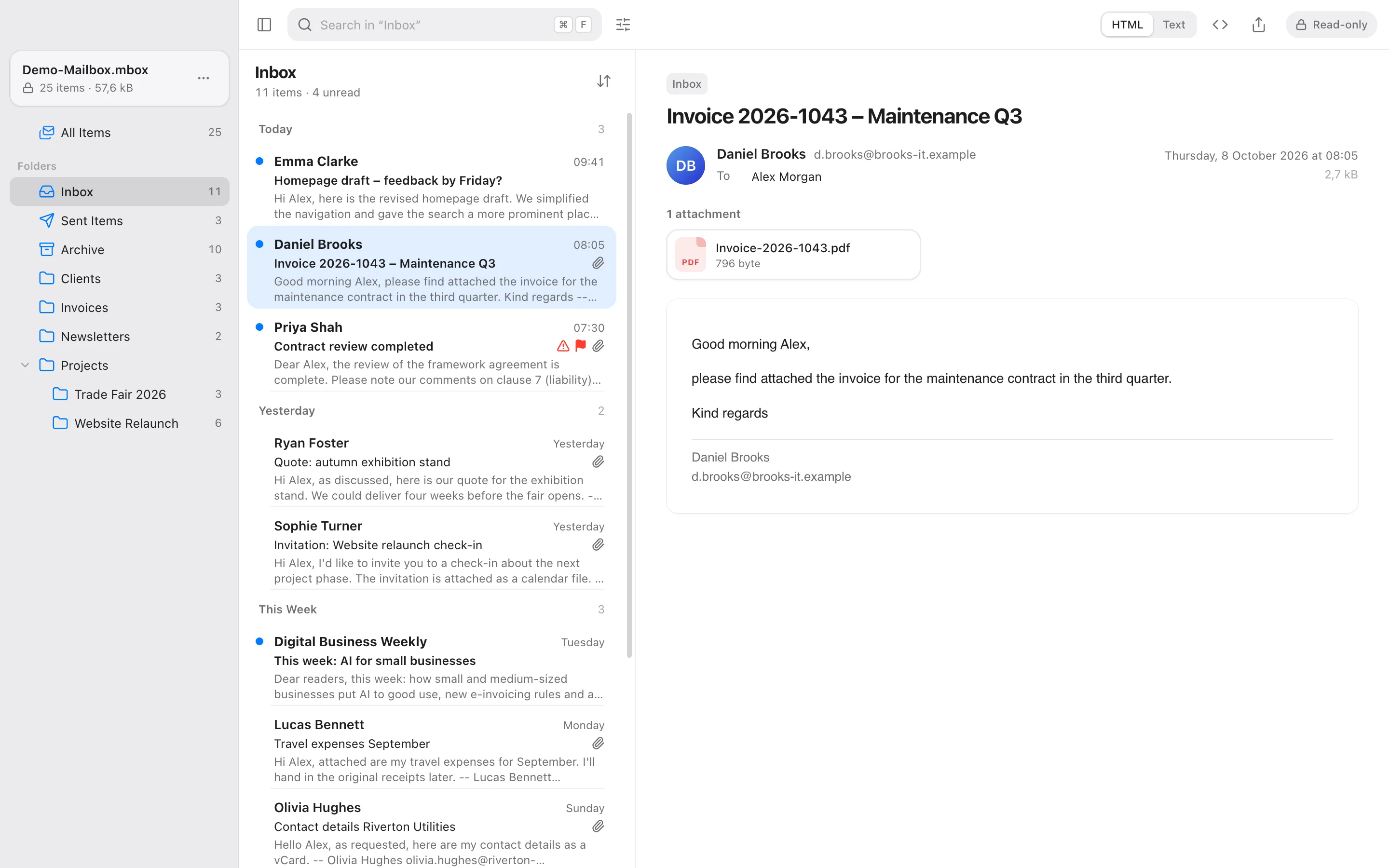
Large files in seconds
Even large PST files open quickly: the message list is ready in about a second while the full-text index builds in the background.
≈ 1 sto the message list
A familiar layout
A folder tree, a message list grouped by date and a reading pane with safely sanitised HTML.
Attachments, no detours
Preview attachments right in the app without saving them first. Everything else opens as a read-only copy in the matching app.
- Images
- Text
- CSV as table
- HTML
- Events (.ics)
- Contacts (.vcf)
- Audio
- Video
Search as you type
Across all folders or just the current one – with suggestions, filters and highlighted matches. “muller” also finds “Müller”.
Export & print
Single messages as PDF with header, attachment list, inline images and page numbers, as EML for any mail client or as plain text.
- EML
- Text
More than email
Calendar items, contacts and tasks are displayed clearly – and so are digitally signed S/MIME messages.
- Appointments
- Contacts
- Tasks
- S/MIME signed
Light, dark, bilingual
Light and dark appearance, with the interface in English or German.
Search
Found while you type.
Just start with a word – and refine with filters or a query syntax that understands both English and German when you need to.
All folders or just one
Search the whole archive or only the folder that is open.
Suggestions as you type
Search only the subject, sender or body, jump to matching senders and folders or repeat recent searches.
Filters and chips
Date range, sender, recipient, read or unread, attachments and attachment type, important, flagged, item type and minimum size. Active filters appear as chips you can remove one by one.
Forgiving and precise
Case and accents don’t matter: “muller” finds “Müller”. Matches are highlighted in the list and in the message.
- Date: 12 months
- Attachment: PDF
- Unread
- Reset all
- Anna MüllerMar 12
Offer for office furniture – revised version
… please find the revised offer attached as a PDF. Delivery would be …
- Anna BeckerFeb 28
Re: Offer for the maintenance contract
… thanks for the offer. Could we move the appointment …
- Anna MüllerJan 9
Offer for the trade fair stand
… as discussed, here is the offer for the trade fair stand …
Query syntax – a selection
from:anna- Sender (name or address)
has:attachment- Only messages with attachments
"kind regards"- Exact phrase
-newsletter- Exclude a term
after:2024-03-01 before:2024-06- Date range
larger:5mb- Minimum size
Privacy & security
Your mail stays with you.
PST Viewer works entirely on your device. No upload, no cloud, no tracking – and your files are never modified.
100% local
Everything happens on your device. There is no upload, no cloud and no telemetry.
Strictly read-only
Files are only read, never modified. New files are created only when you export or save something yourself.
Tracking protection
Remote images in emails stay blocked until you explicitly allow them for a message.
Safe rendering
HTML mail is sanitised and rendered in a sandbox – scripts never run.
Careful with attachments
Attachments open as a read-only temporary copy that is deleted when you quit. File types that can run code are never opened directly.
No account needed
No sign-up, no login, no ads. Open a file and read.
Open source
Free. Open source. Verifiable.
PST Viewer is MIT-licensed and developed in public on GitHub. For a tool that handles your private email, you shouldn’t have to take our word for it – you can check.
PST Viewer
Every feature, for everyone.
FreeMIT license
- No subscription
- No account
- No ads
- No tracking
Why open source?
- Transparent codeEvery line is public. You can verify in the source that the app works locally and uploads nothing.
- Read-only by designArchives are opened strictly read-only – not a promise in the small print, but built into the code.
- Free to useThe MIT license allows personal and commercial use, modification and redistribution.
- Better togetherFound a bug or have an idea? Issues and pull requests on GitHub are welcome.
Platforms
One viewer for all your devices.
The desktop app runs on Mac, Windows and Linux, the Android app comes as an APK – all free from GitHub. The iPhone and iPad app is coming to the App Store.
Mac, Windows & Linux
Download nowThe desktop app for macOS (Apple Silicon and Intel), Windows (x64 and ARM64) and Linux (AppImage and .deb) – straight from GitHub. The Mac App Store and Microsoft Store will follow as an additional, equally free option.
Coming soon – freeMac App StoreComing soon – freeMicrosoft Store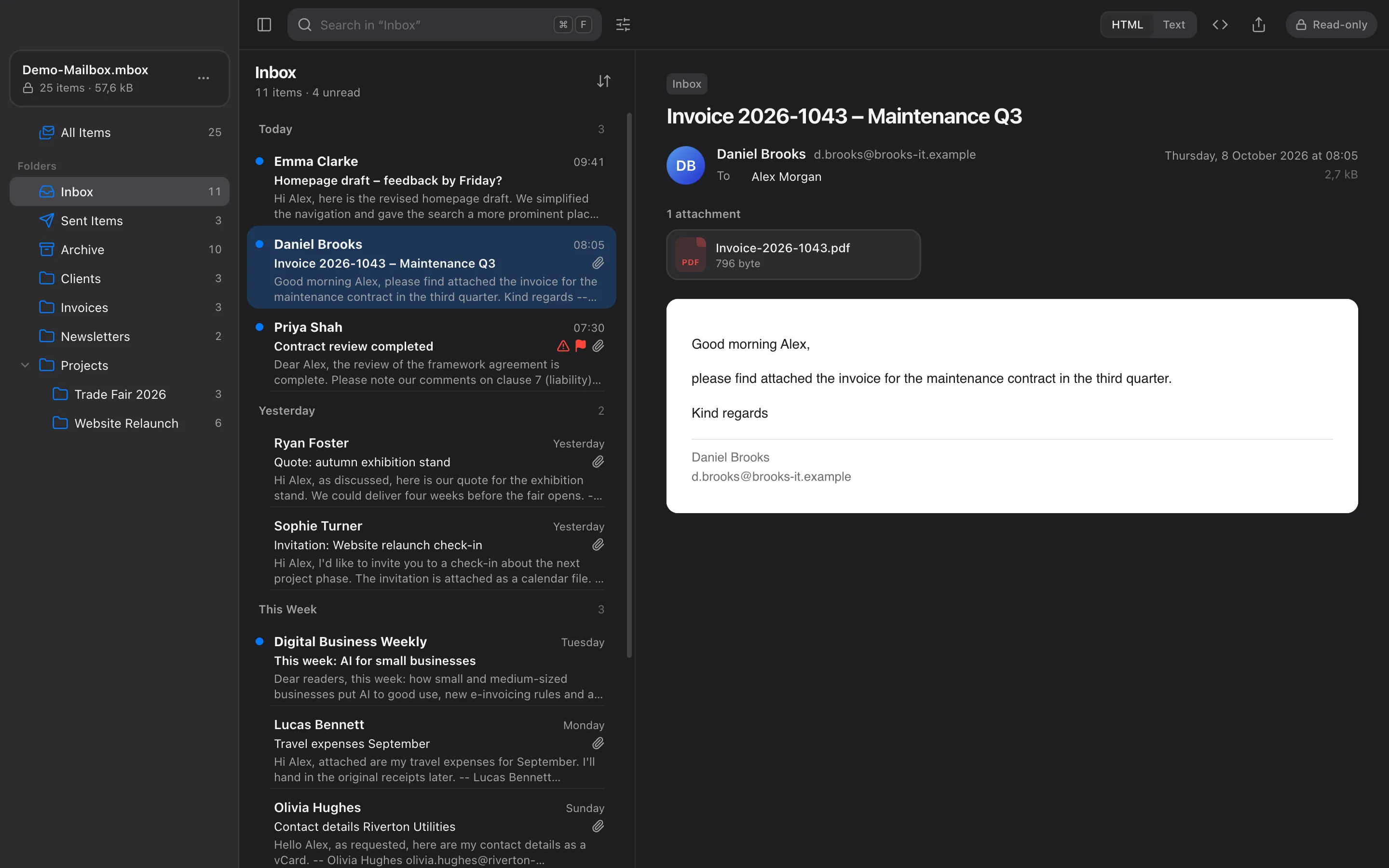
iPhone & iPad
Coming soonWith the same features – coming to the App Store for free. Until then, you can build the app from source with Xcode.
Coming soon – freeApp StoreBuild from source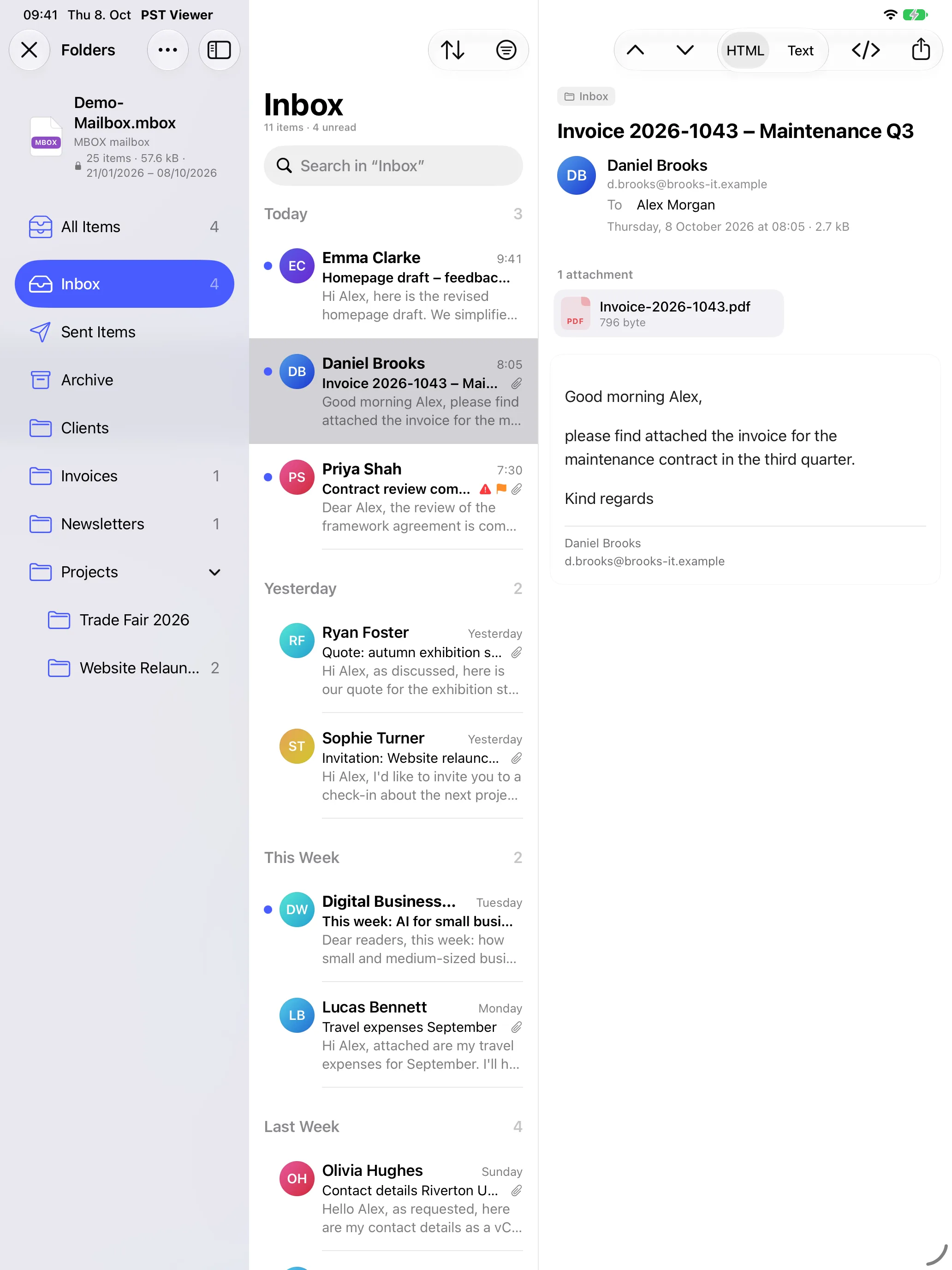
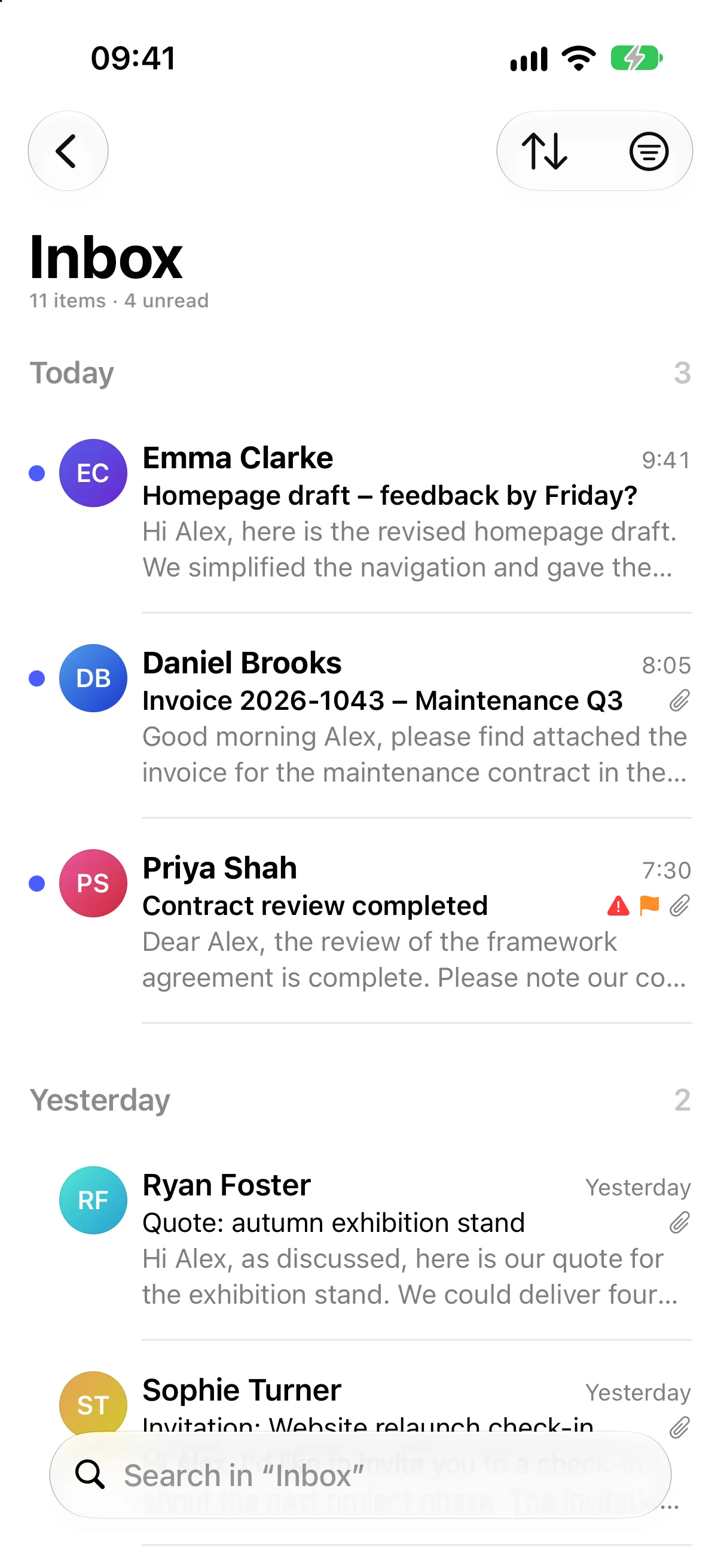
Android
APK availableThe same features for phones and tablets – available now as an APK from GitHub, later on Google Play as well.
Download for AndroidComing soon – freeGoogle Play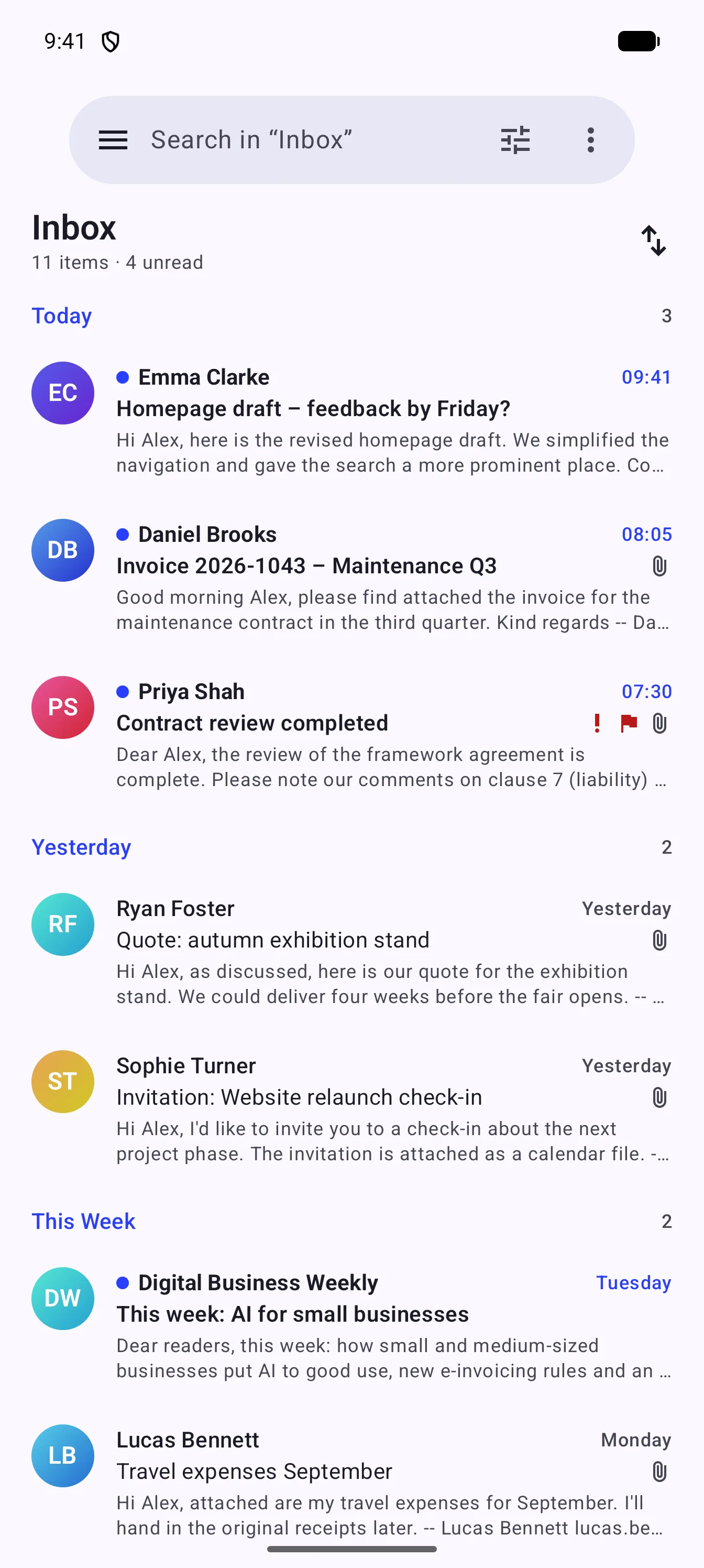
Download
Download for free.
Every version comes straight from GitHub Releases – no account, no detours. Pick the right file for your device.
macOS
Windows
Linux
Android
iPhone & iPad
Coming to the App Store for free. Until then, you can build the app from source with Xcode.
Instructions on GitHubA note on the first launch
The Mac version is notarized by Apple and opens right away. The Windows installer is not code-signed yet, so SmartScreen asks for confirmation on the first launch:
- Windows
- In the SmartScreen dialog, choose “More info” → “Run anyway”.
Coming to the stores
In addition to GitHub, PST Viewer is coming to the app stores – free there, too.
- Coming soon – freeMac App Store
- Coming soon – freeMicrosoft Store
- Coming soon – freeApp Store
- Coming soon – freeGoogle Play
Use cases
When old mail suddenly matters.
Switching platforms, accounting or IT support – PST Viewer makes old archives accessible again, fast.
Switched from Outlook
Now on a Mac, Apple Mail or Gmail but still holding old PST archives? Open them any time – without Outlook.
Retention & accounting
Find old invoices, contracts and receipts quickly – for legal retention requirements such as Germany’s GoBD or for your accounting.
PST Viewer helps you look things up, but it does not replace an audit-proof archive.
IT administration
Help colleagues fast: open a PST or MSG file, find the message they need and hand it over as PDF or EML.
Google Takeout export
Your Gmail export is an MBOX file? PST Viewer makes it searchable – just like mailboxes from Apple Mail and Thunderbird.
FAQ
Frequently asked questions
Short answers to what most people want to know.
Is my email uploaded anywhere?
No. PST Viewer works entirely on your device. There is no upload, no cloud and neither tracking nor telemetry.
Does PST Viewer change my PST file?
No. All files are opened strictly read-only and are never modified. New files are only created when you export a message or save an attachment yourself.
Which file formats are supported?
PST (Outlook data files), MSG (single Outlook items), EML (email files) and MBOX – for example from Gmail/Google Takeout, Apple Mail or Thunderbird.
Do I need Outlook?
No. PST Viewer reads the files itself. Outlook does not need to be installed.
Does it work with very large files?
Yes. Even large PST files open quickly: the message list appears in about a second and the full-text index builds in the background. While it does, matches in message bodies may still be missing.
Can I open OST files?
Not yet. OST files (Outlook offline data files) are currently not supported.
Can PST Viewer show encrypted S/MIME messages?
No. Encrypted S/MIME messages cannot be decrypted because the private key is not part of the file. Digitally signed messages, on the other hand, are displayed.
Is PST Viewer really free?
Yes. PST Viewer is open source under the MIT license and costs nothing – no subscription, no account, no ads and no in-app purchases. It will be free in the app stores, too.
Why open source?
Because PST Viewer handles private email. Open source code makes it verifiable that the app works locally, uploads nothing and never modifies your files. And anyone can report bugs and contribute improvements.
Are the Mac and Windows builds signed?
The Mac version is signed with an Apple Developer ID and notarized by Apple, so it opens without a warning. The Windows installer is not code-signed yet, so Windows SmartScreen asks on the first launch (“More info” → “Run anyway”). The installation guide in the documentation walks you through it.
Which languages does PST Viewer support?
The interface is available in English and German. The query syntax understands English and German operators in both languages.
Is PST Viewer available for iPhone, iPad and Android?
The Android app is available now as an APK on GitHub, with Google Play to follow. The iPhone and iPad app is coming to the App Store for free; until then, you can build it from source with Xcode. Both offer the same features as the desktop app.
Your mail archive is waiting.
PST Viewer is free and open source – no subscription, no account. Your data stays on your device.